
Navigation for Tesla in Georgia, in English, Georgian and Russian
Opens in the car browser. Nothing to install: sign in with a QR code from your phone and drive.
No card needed. The day starts when you first open the map.
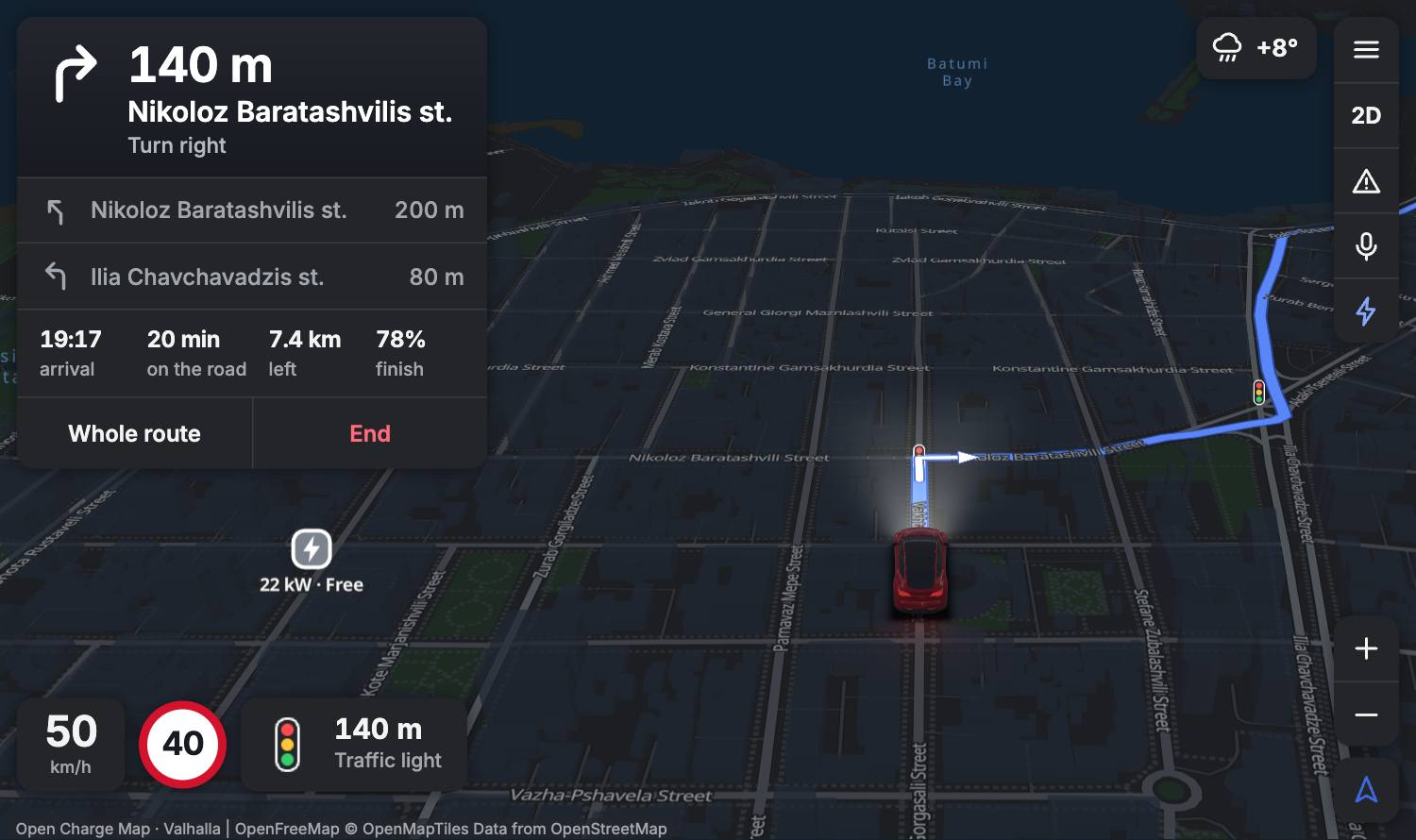
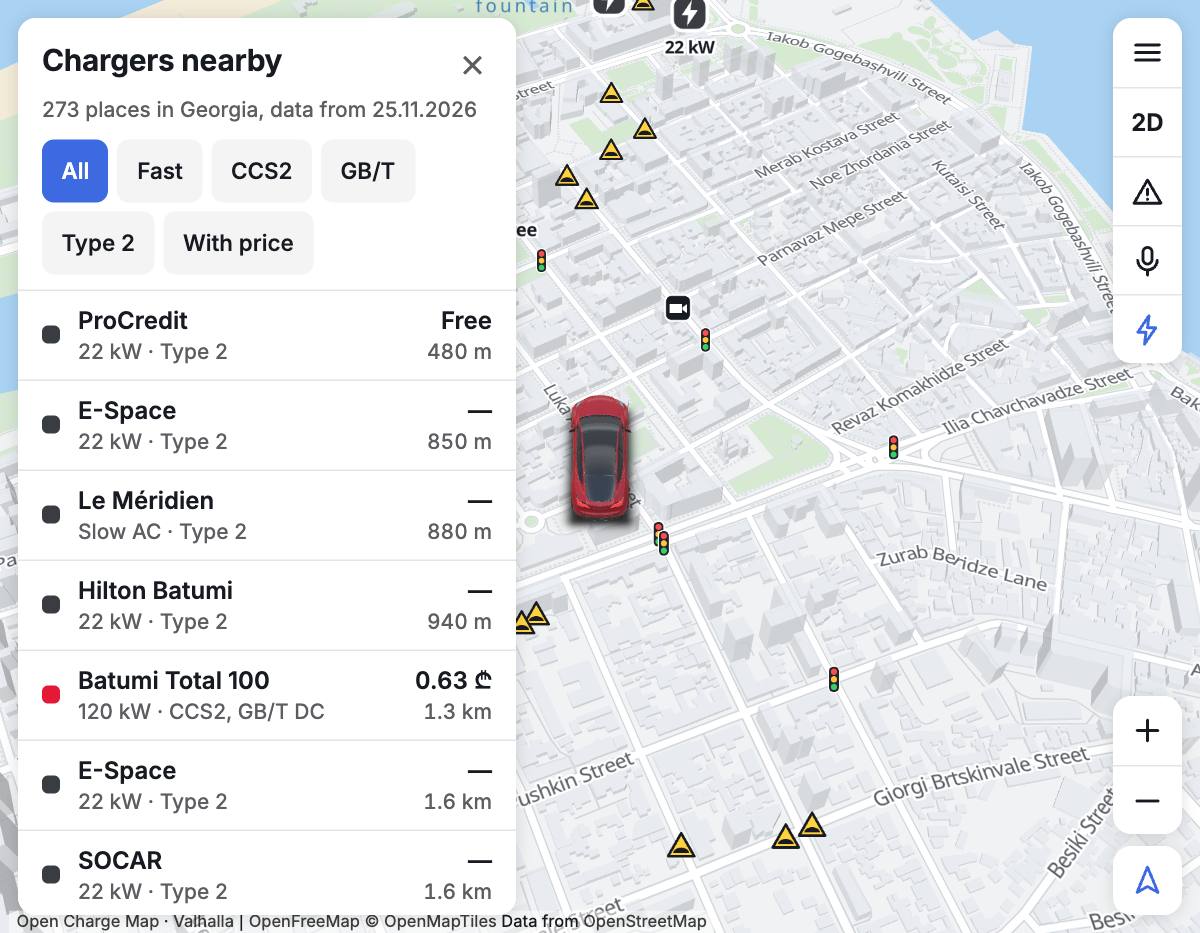
Chargers across Georgia on one map
273 locations from different networks: power, connectors and price per kWh where it is known. Enter your charge level and the route adds stops for you: where, for how long and what you will arrive with. Hills and weather are included.
Open data from OpenStreetMap and Open Charge Map. We show the date of each record; some stations and prices may be missing.
What it does on the road
- Voice in three languages
- English, Georgian and Russian with two narrators each. The whole screen switches with the voice. Plays from the car or from your phone.
- Speed cameras
- We warn you early, say the limit and sound a signal if you are driving faster.
- Drivers warn drivers
- Police, accidents, potholes and closures from other drivers. Detour around a closure in one tap.
- Weather along the way
- Forecast for the time you get there, with warnings about ice, snow and heavy rain.
- Stops
- Add a charger or a café to your route and see how long it takes.
- Offline map
- Download Adjara, Tbilisi or all of Georgia and the map stays with you without a signal.
- Voice commands
- “Take me home”, “find a charger”, “how far”. From your phone, or where the browser can listen.
- Your Tesla on the map
- Six models and eleven colours with headlights and brake lights.
- Lanes, limits, alerts
- Lane arrows, speed limit sign, speed bumps, crossings and rough roads where the map data has them.
Not there yet: live traffic. Travel time is calculated without it.
How to start
- Create an account on your phone with an email and a password.
- Open the site in the car browser. A sign-in QR code appears on the screen.
- Point your phone camera at it and confirm. Press Start and allow location.
Pricing
Questions
Do I need internet in the car?
Yes. Without Premium Connectivity, share Wi‑Fi from your phone or put an LTE router in the car. A downloaded map works without a signal.
Is the map full screen?
While driving, the browser takes part of the screen, and the map is made for that window.
Will it work in another car?
Most likely, if the car has a modern browser with location. Try the demo first.
What do you know about my trips?
The server does not keep your routes or trip history. Details are in Data.